
Customers
Work from Customer 360 after conversion, subscriptions, payments, compliance, research, and optional Customer Portal provisioning.
Last updated: August 2026
When an Opportunity is marked won, a stable Customer record is created. Customer 360 consolidates everything after conversion in a single tabbed workspace.
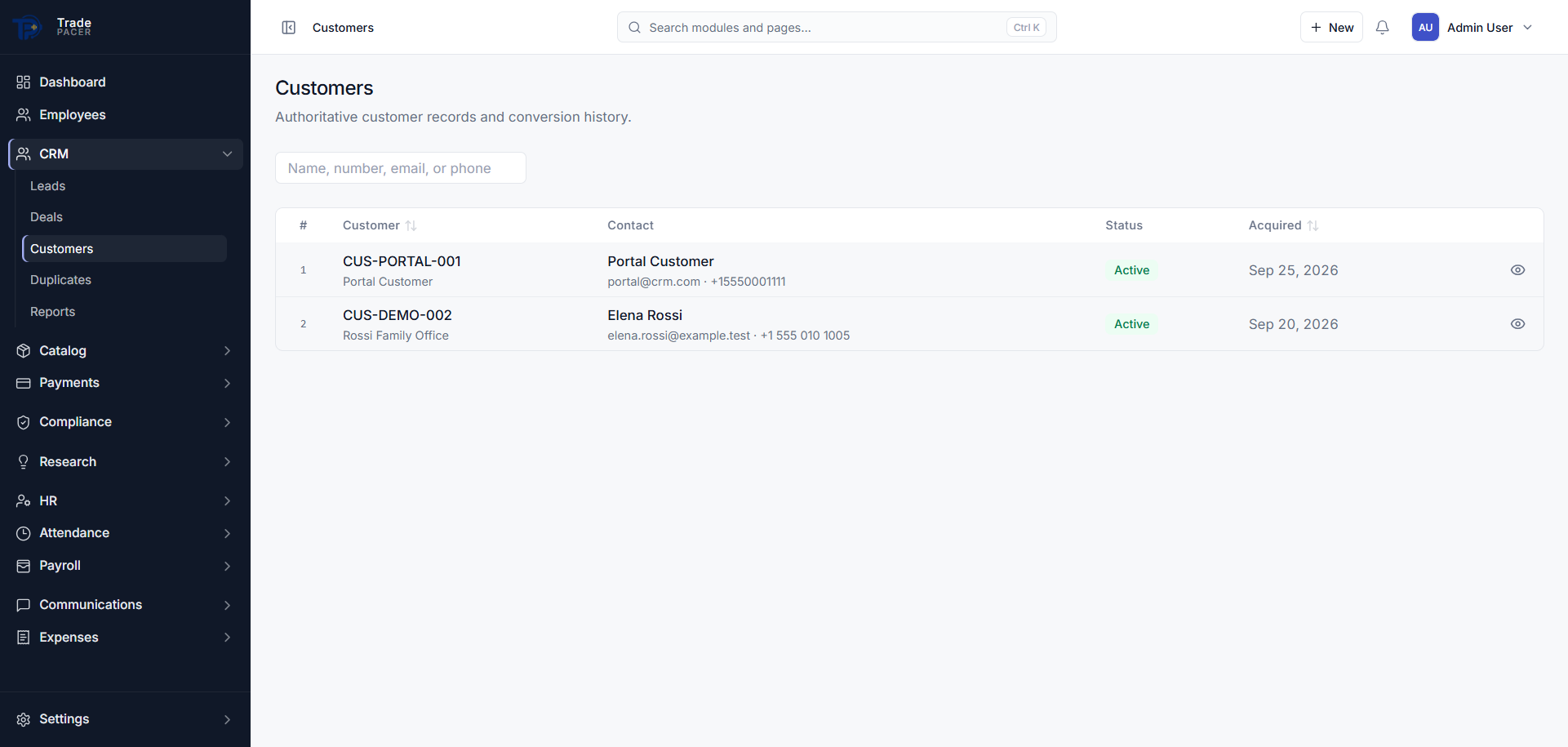
Customer 360 tabs
- Overview: account summary, key dates, and recent activity
- Services: Subscriptions with lifecycle status and frozen Plan terms
- Payments: invoices, verified payments, and allocations
- Onboarding / compliance: KYC, Risk assessment, and case status
- Research: entitlements and delivered publications
- Timeline: state changes, activities, and audit events
Customer Portal
When the Customer Portal optional module is enabled, portal accounts can be provisioned from the Customer workspace. Customers complete Onboarding cases, view services, access research, and submit support requests through the portal.