
Lead Management
Capture prospects, assign teams and agents, review duplicates, and qualify Leads into Opportunities with Catalog Plans.
Last updated: August 2026
Leads represent possible buyers, not yet Customers. The lead workspace supports intake, assignment, activities, Dispositions, and qualification into Opportunities.
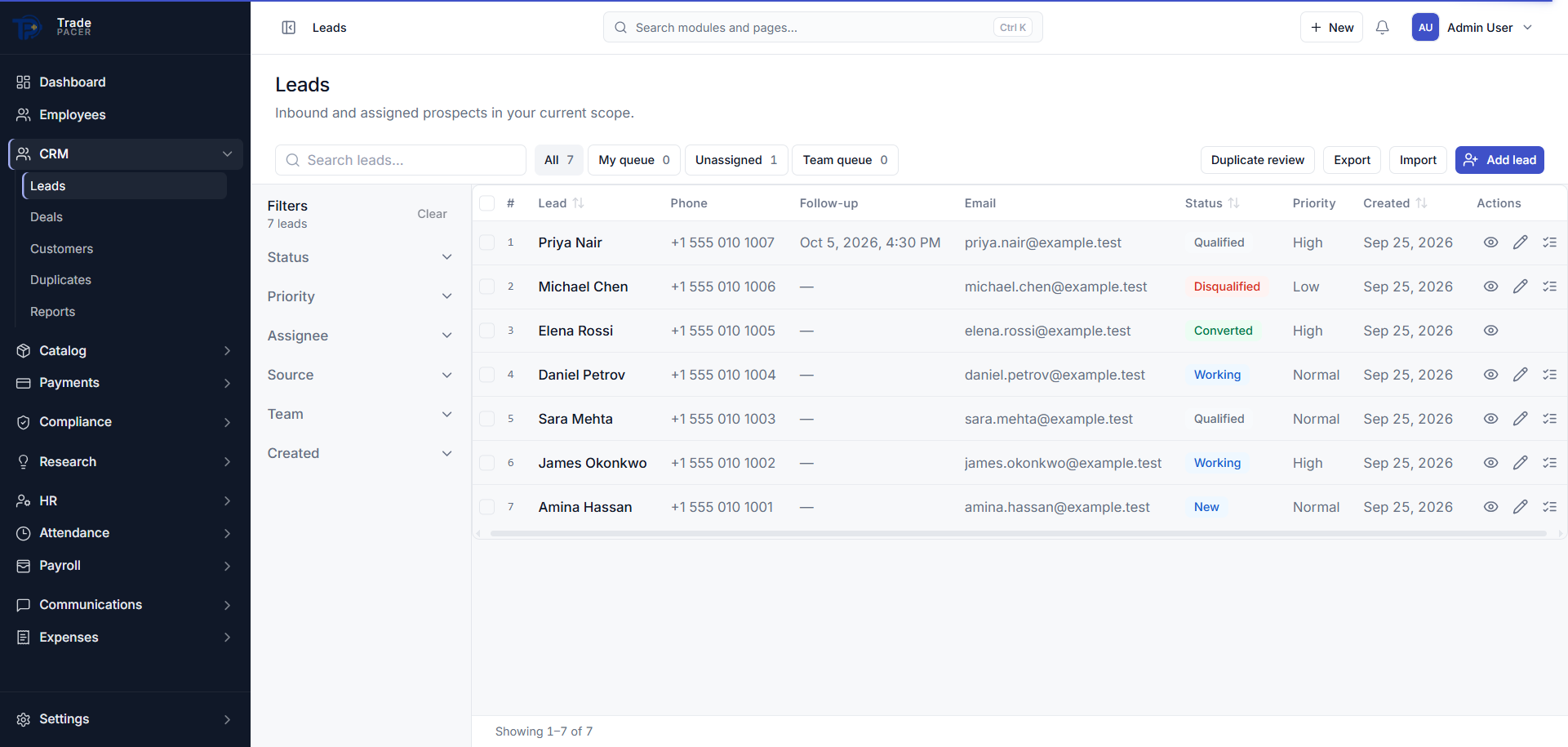
Lead flow
- Create or import a Lead, duplicate detection runs on contact email and mobile.
- Assign to a team and agent; assignment history is preserved for audit and coaching.
- Log activities: calls, notes, and scheduled follow-up tasks.
- Apply Dispositions to move lifecycle status (working, qualified, disqualified, and others).
- Qualified Leads open Opportunities with Catalog Plan line items.
Duplicate review
Potential duplicate contacts appear in a review queue for supervisor resolution before data quality degrades. Merging or dismissing duplicates keeps the pipeline trustworthy.